
You already know the pattern. You set twenty words on Monday, and on Thursday evening a third of the class opens them for the first time. A points table on the classroom wall helps for a fortnight, until the same three students are always on top and everyone else stops looking at it.
Since version 2.9.0, Palabrify gives every class a leaderboard built to avoid exactly that, plus duels between classmates. Below is how to set it up in about ten minutes, and a weekly routine that teachers can run all term with a secondary-school class of 20 to 30 students.
Why a weekly board works better than a points table
A ranking motivates only while a student believes they can still move up. Three choices in the class leaderboard keep that belief alive:
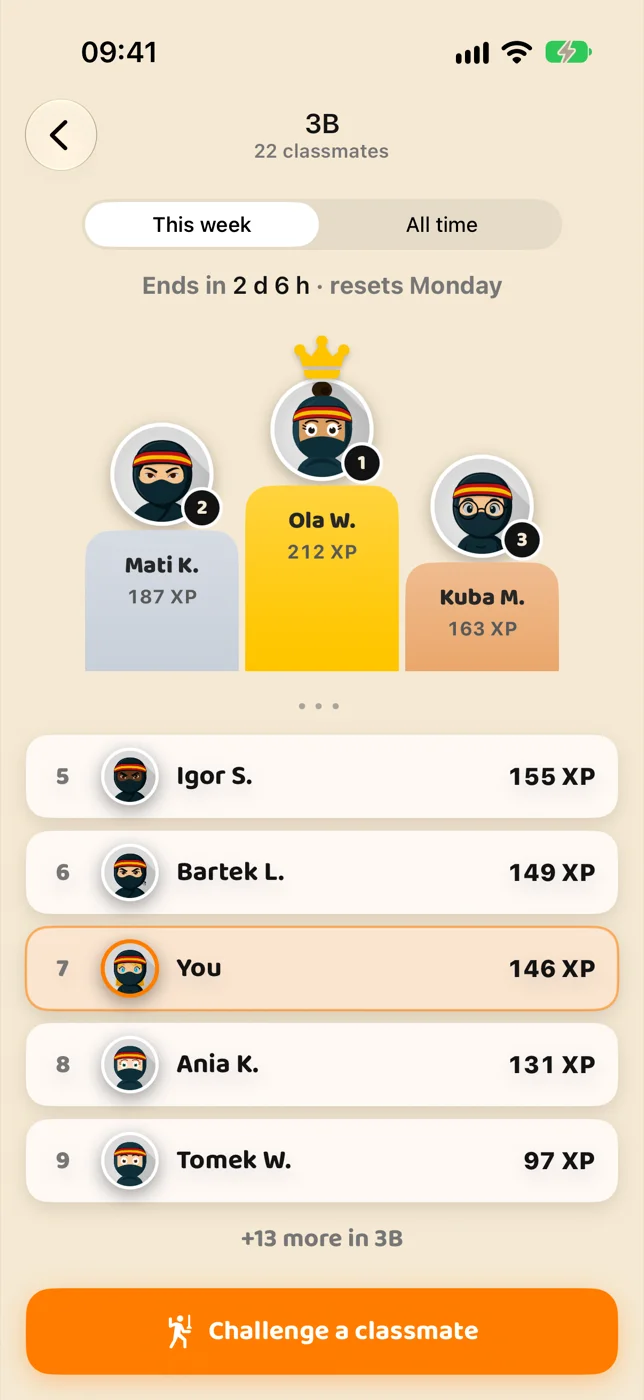
- It starts again every Monday. XP counts the practice done on your class’s sets this week. The student in eighth place on Sunday starts the next week level with everyone. All time is there for the long view.
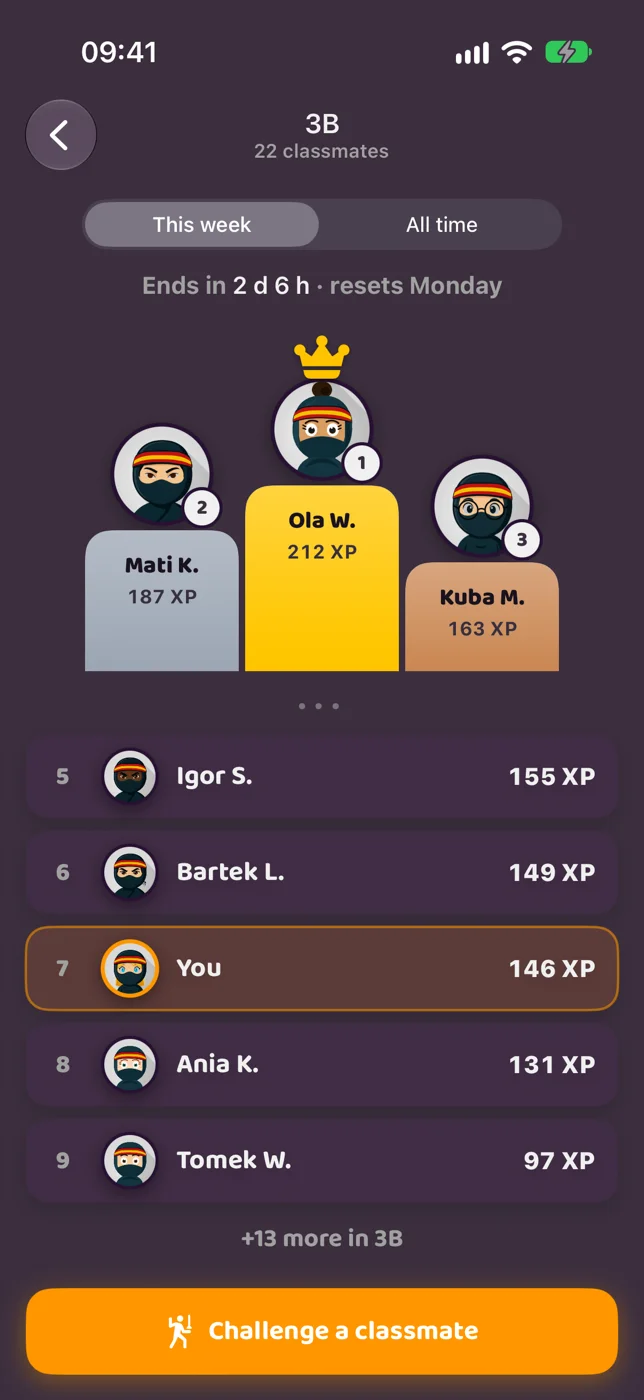
- Nobody is shown at the bottom. Each student sees the top three and the classmates just above and below them, plus how much is left to pass the next one. Nobody scrolls down to find out who is last.
- Short names. Students see each other as “Ola W.”, never a full name. You see everyone with full names, and you are never ranked yourself.
And the points only come from your material. A student can’t climb the board by practising something else; every XP on it is a review of the words you gave the class.
Step 1: Put the class in Palabrify
In the web app, open Groups and create a class for each group you teach. Students join with the class code, an email invitation or a link you paste into the class chat. Then share a folder with the class: every set in it appears on their phones in seconds, and students who join later get everything already published.
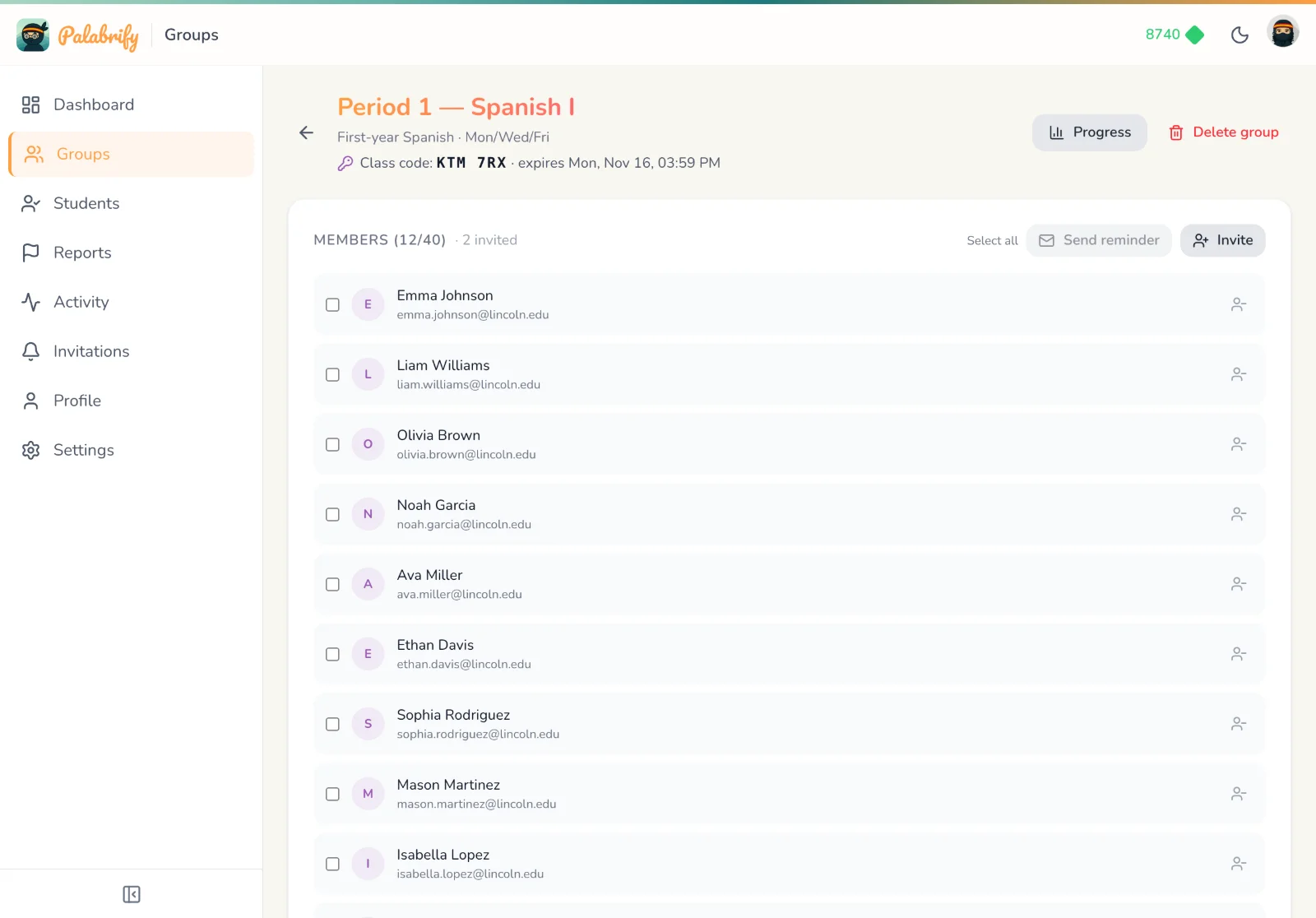
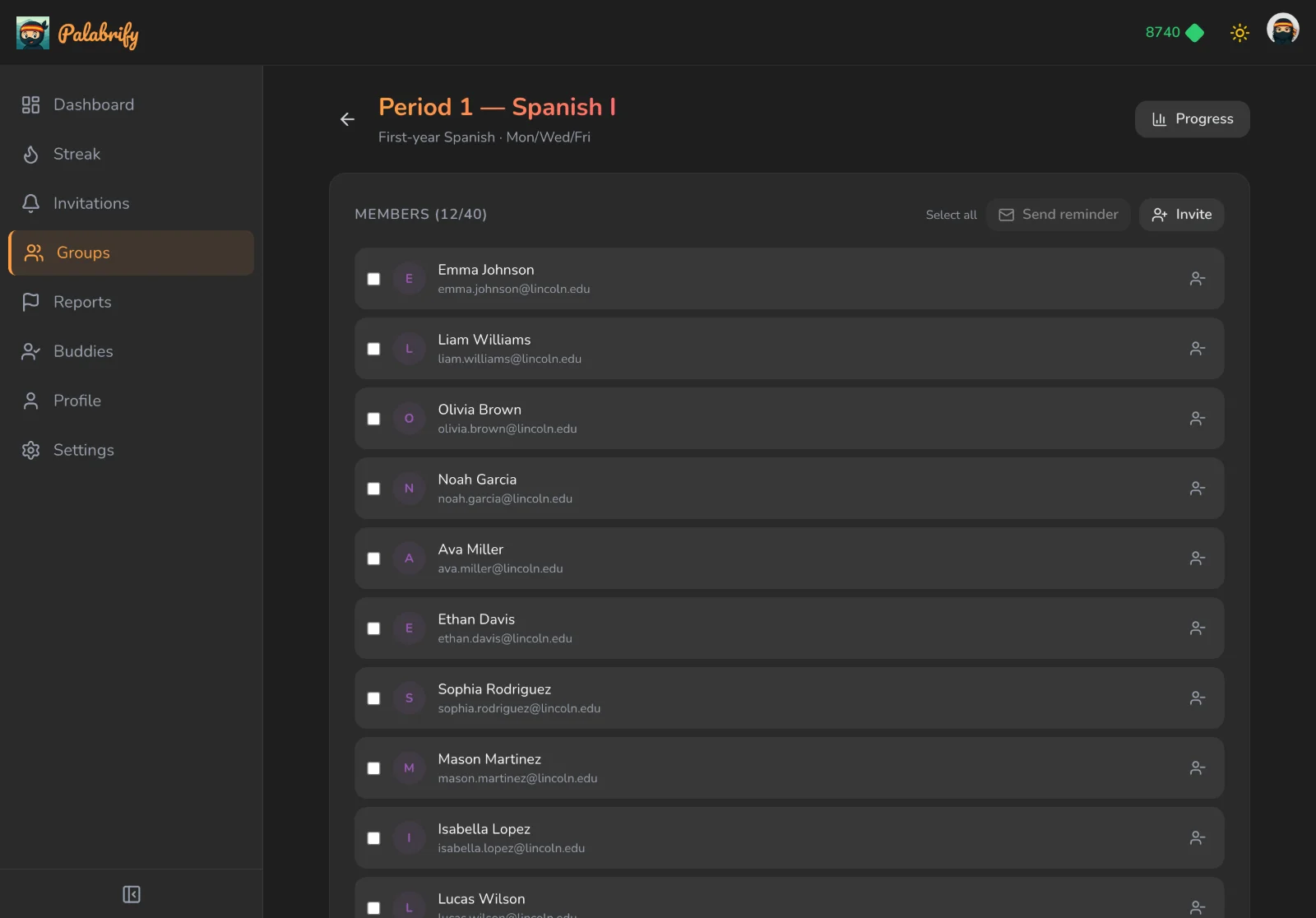
Step 2: Switch on the class leaderboard
On the same class page, scroll to Class leaderboard and turn the switch on. Every class starts with it off, so you decide which groups get one. You can switch it off again at any time, for example in a class where competition is doing more harm than good.
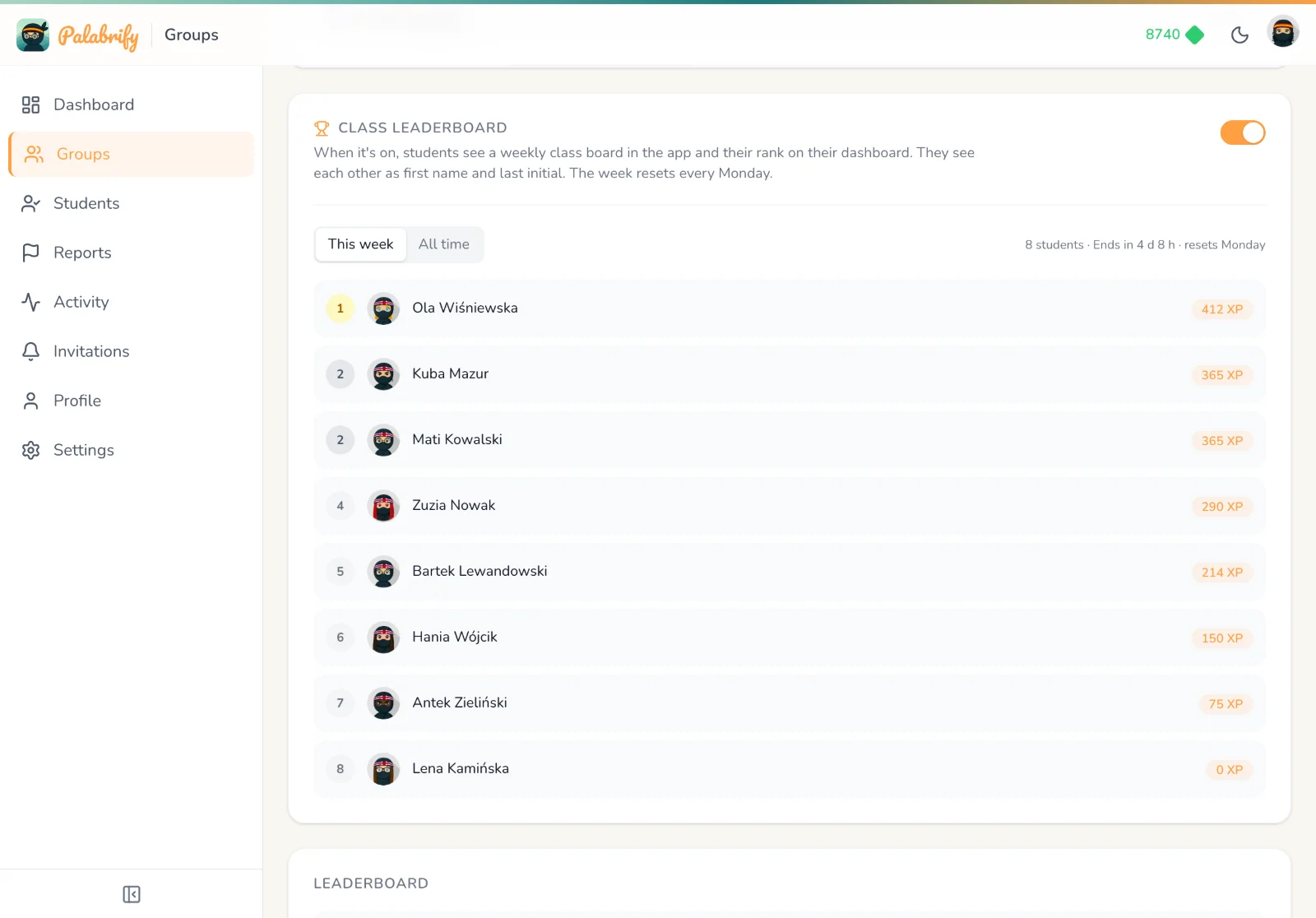
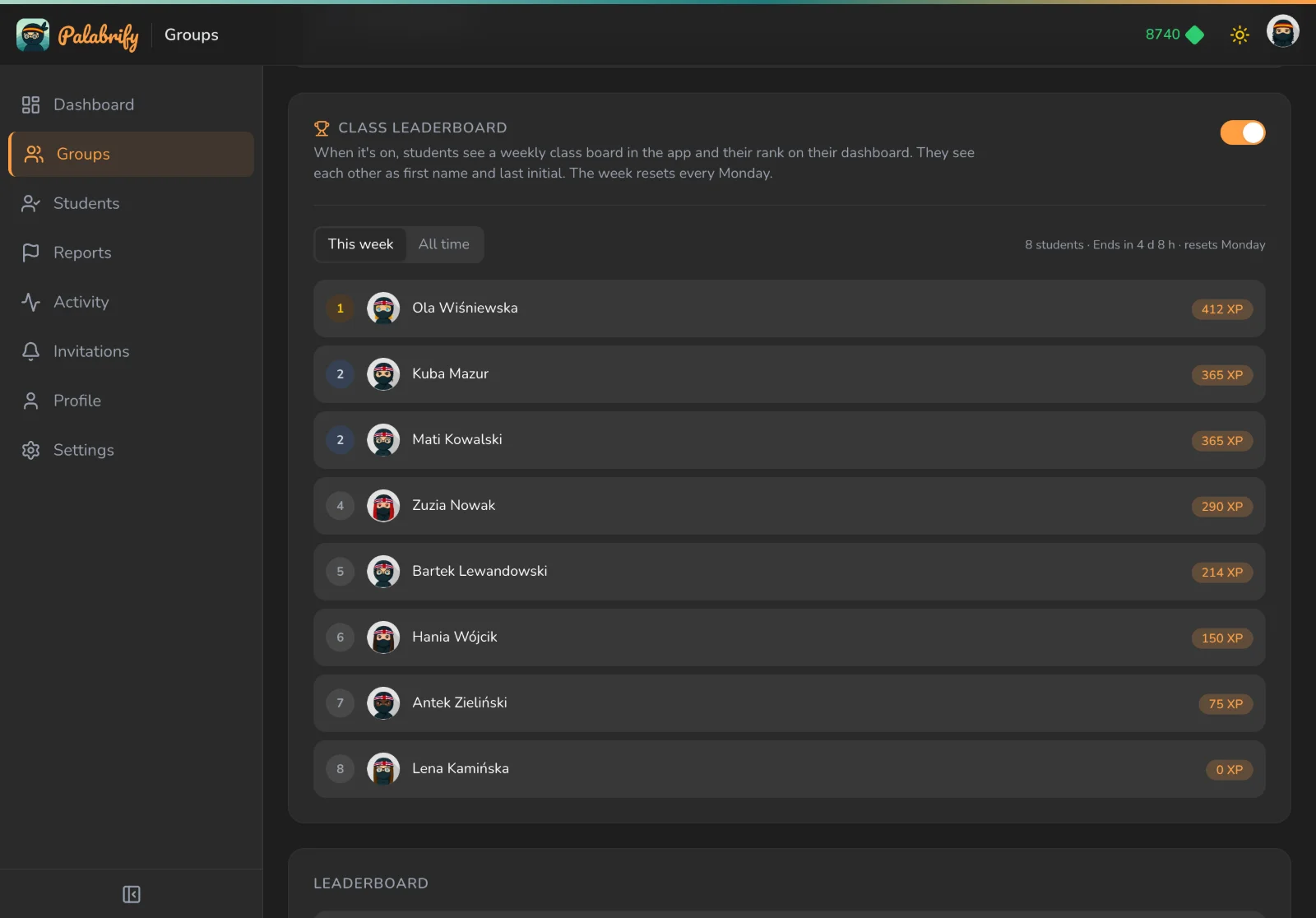
From that moment, each student finds a card on the home screen of the app: their place this week, the gap to the next classmate, and the three leaders. A tap opens the full board. You can open the class in the app too, to see the board and the duel log on your phone.
Step 3: Let them challenge each other
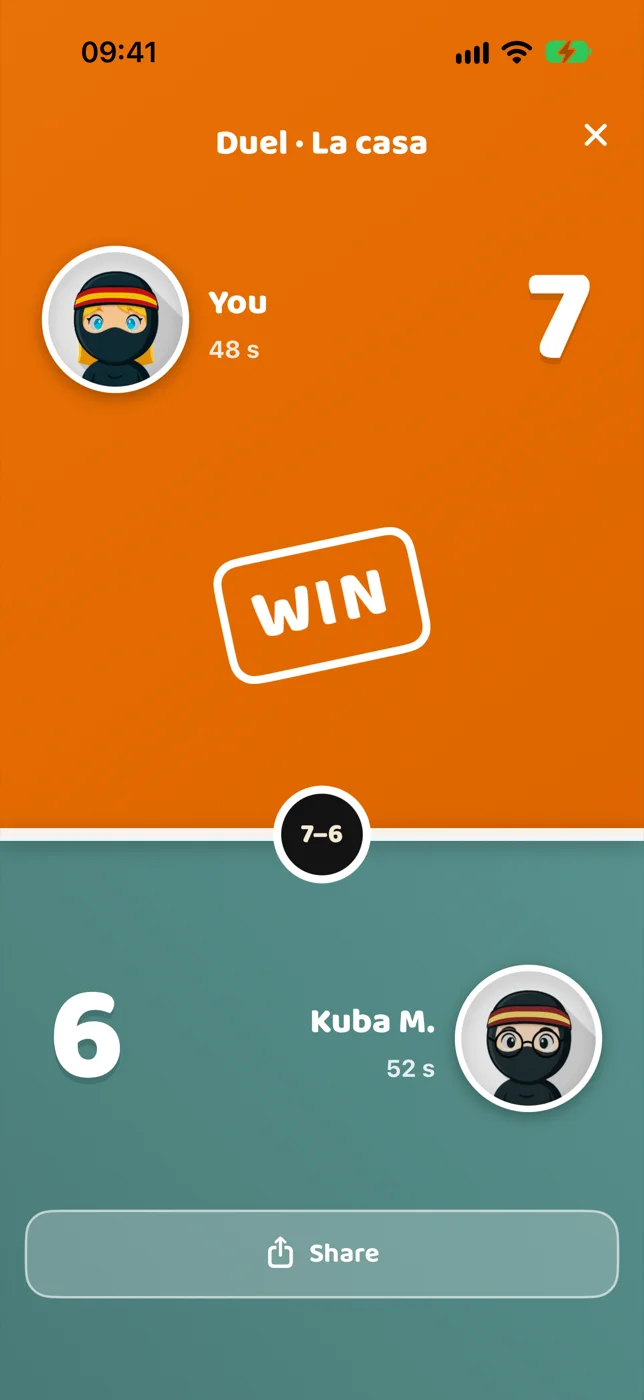
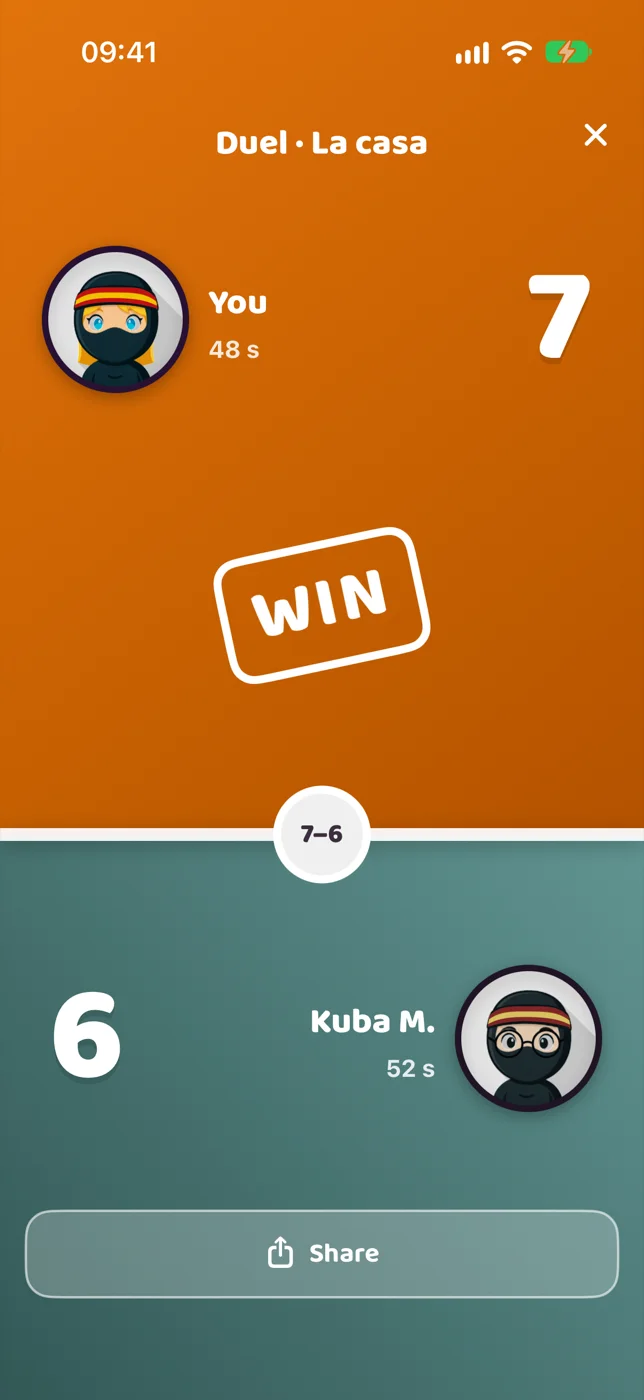
A duel is a head-to-head game on one of your sets. A student picks a classmate and a set, and both play the same eight boards of Gap Fill, Word Builder and Sentence Builder, each in their own time. The better score wins; on a tie, the faster player.
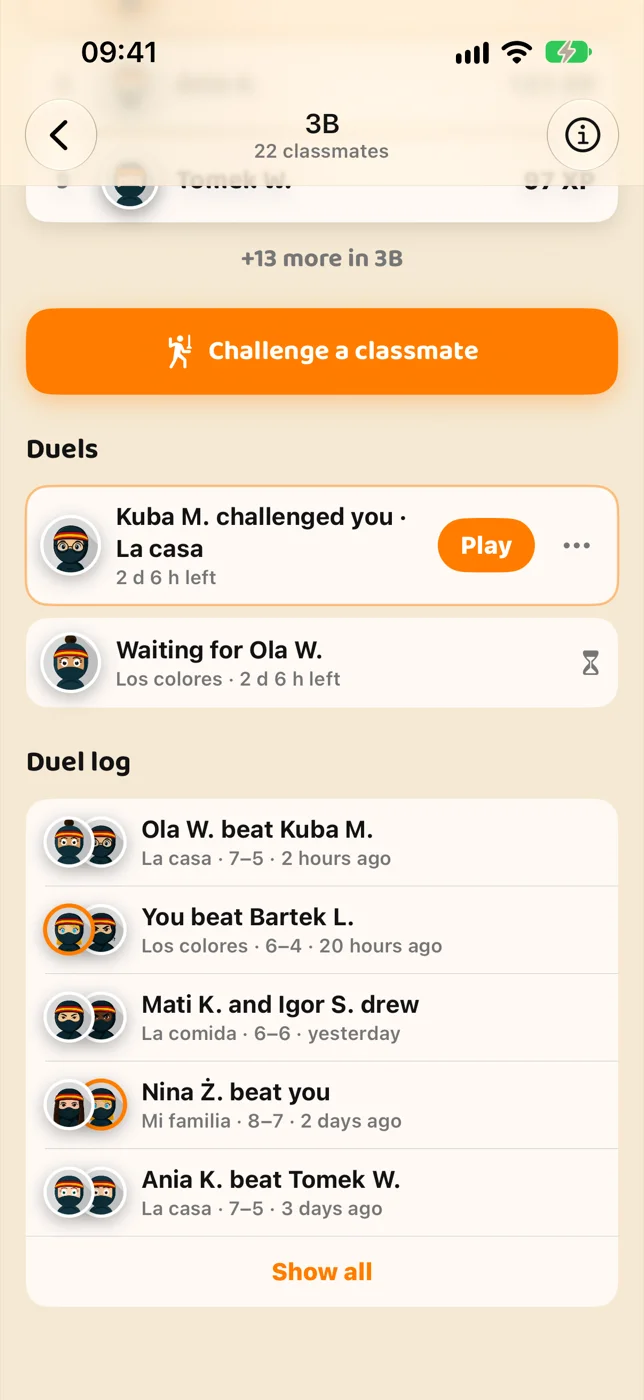
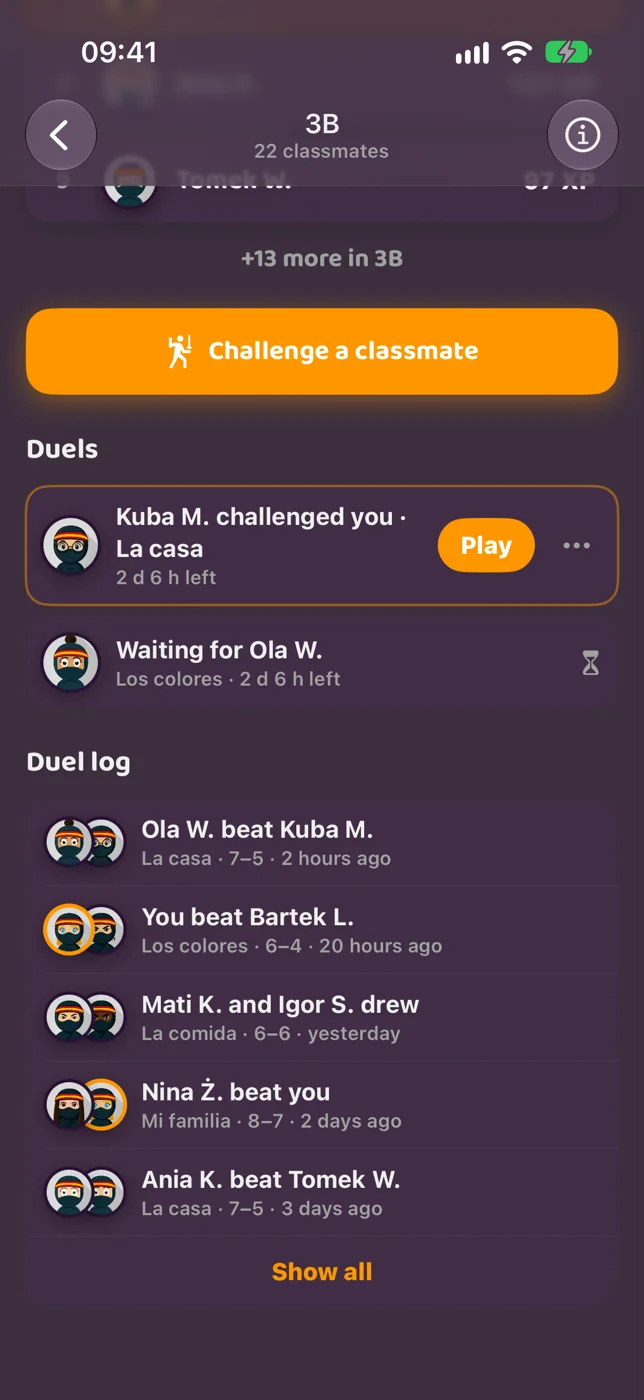
- 72 hours to answer. A challenge nobody plays expires without a winner.
- Every right answer counts. Each correct answer in a duel between classmates adds a point to the class board, so a duel is one more round of your words, not a break from them.
- It keeps the streak going. Playing a duel counts as the day’s practice.
- It stays in the class. Students can challenge only classmates and buddies who learn the same language, and send up to ten challenges a day. Anyone can block a player or turn challenges off in settings.
- Free for every student. Duels need no subscription.
Step 4: Let the streak do the daily work
The leaderboard brings students back during the week; the streak brings them back every day. Each day with at least one lesson adds to it, the campfire grows at milestones, and a streak freeze covers the occasional missed day so one bad evening doesn’t wipe out three weeks.
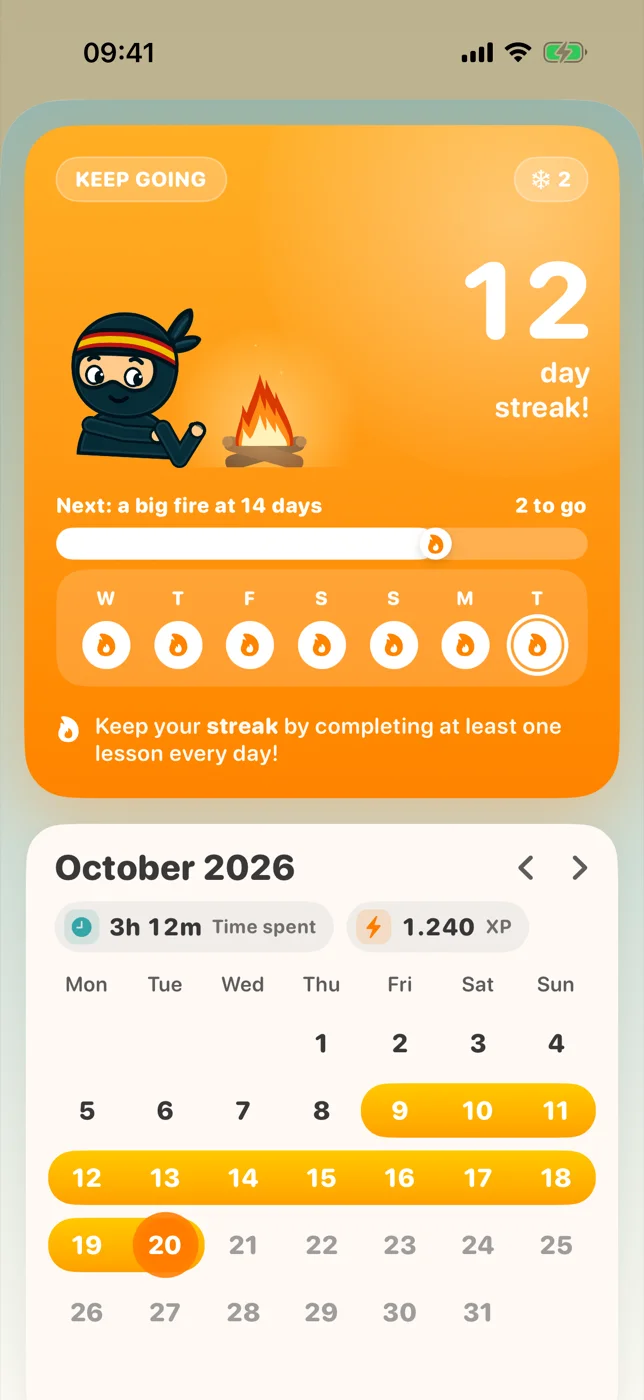
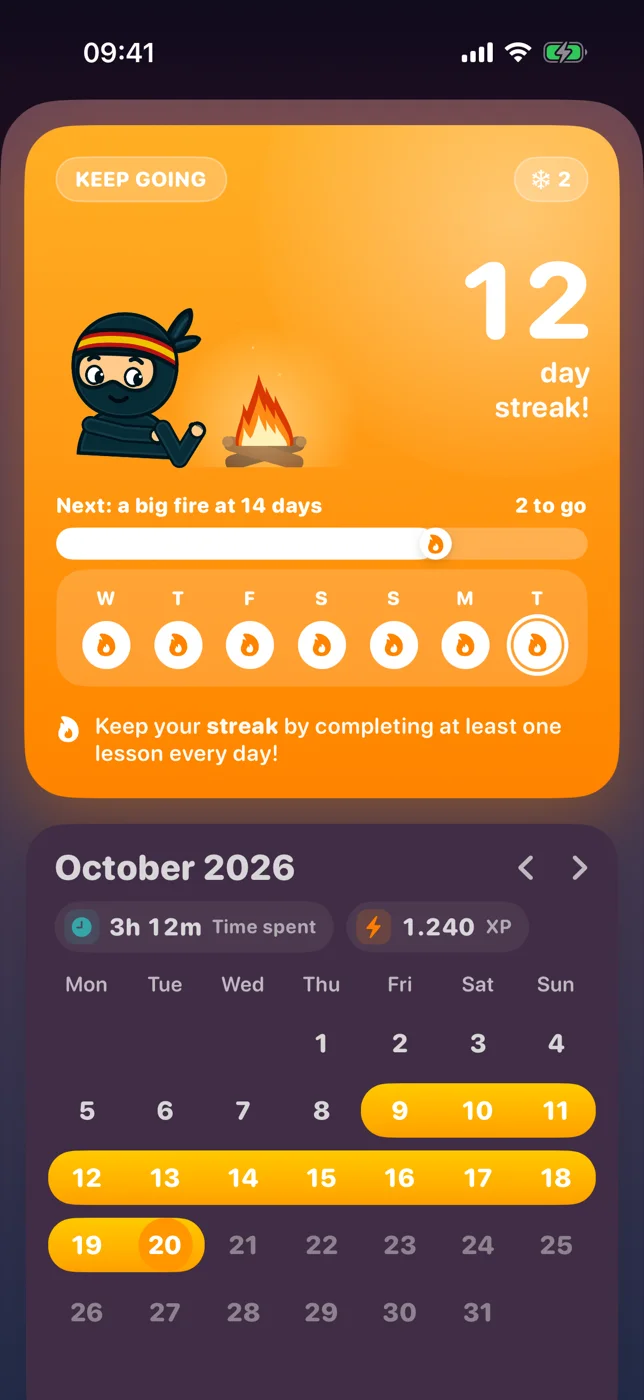
Spaced repetition decides what each student sees that day, so a short daily round is worth more than one long evening before the test. That is the habit the streak rewards.
A weekly routine for your class
Here is one way to run it with a class that meets two or three times a week. Adapt the days to your timetable.
- Monday
The board starts again at midnight in the class’s time zone. Spend two minutes of the lesson on last week’s podium (note it on Friday, before the reset), and name the students who practised every day, not just the top three.
- After the lesson
Share the week’s set with the class: the words and sentences you just taught. If your sets form a learning path, the next step opens once the one before it is passed.
- Midweek
Suggest a challenge: everyone sends one duel on this week’s set, ideally to the classmate just above them on the board. The app shows how much is left to pass them.
- Friday
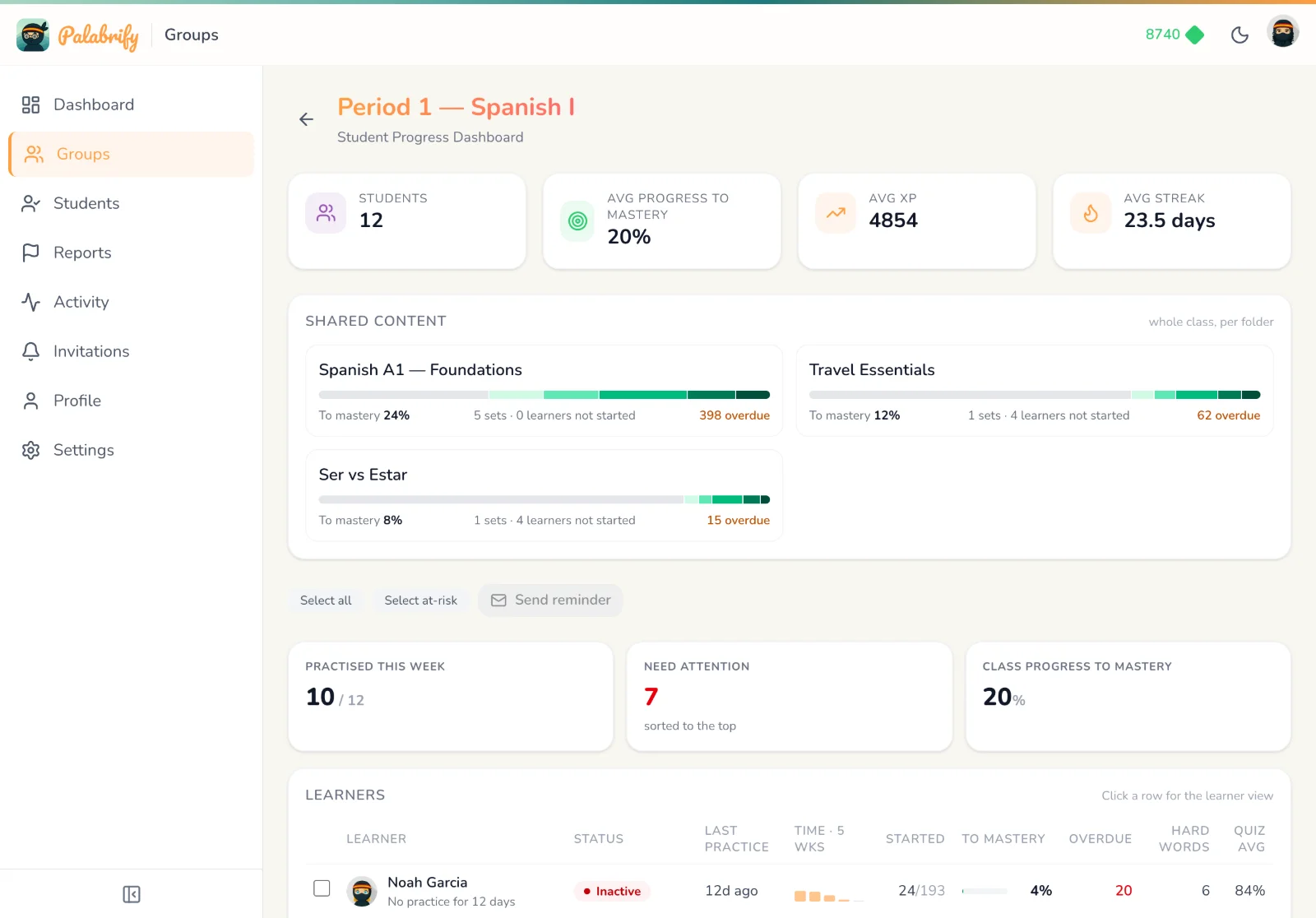
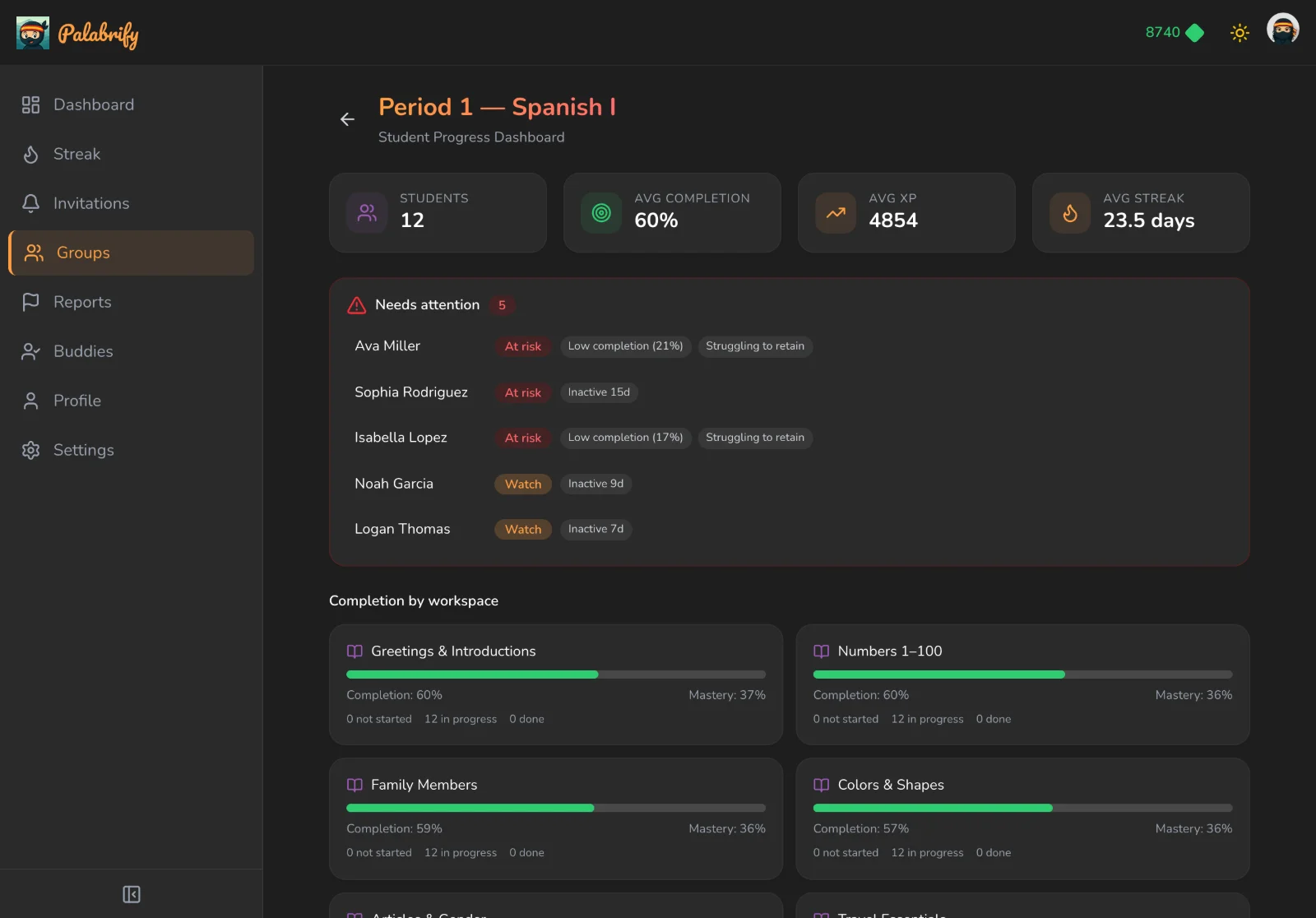
Open Progress for the class. Need attention counts who has gone quiet, and the student list says why. Send reminder emails them a friendly nudge before the weekend. Note the podium for Monday.
- Sunday
The week closes at 23:59. Whoever is on top has earned it with your words.
Five class challenges to try this term
- Beat your own week. The goal is not first place but more practice days than last week. Each student’s streak calendar shows their days, so everyone can reach it.
- A streak goal for the whole class. Before the next test, every student keeps a five-day streak. The progress page shows the class average streak, so you can report it in the lesson.
- Duel of the week. Pick the hardest set of the unit and ask each student to win one duel on it. A lost duel still counts: every right answer is a point for the board.
- Two podiums. On Monday, show last week’s top three by XP and, next to them, the three longest streaks. Sort the progress table by streak to find them. Steady work gets the same applause as a big week.
- Phone and paper. Export the same set as a PDF worksheet with a crossword for the lesson where phones stay in bags. Students who practised in the app will notice.
Keep the competition fair
- Leave the leaderboard off for a class where it would hurt. Streaks and practice work just the same without it.
- Praise effort out loud: days practised and places climbed, not only who won.
- Remind students that duels are optional and that they can turn challenges off.
- Watch Need attention on the progress page more than the podium. The student who has gone quiet is the one to talk to.
Questions teachers ask
Do students see each other’s full names?
No. On the leaderboard and in duels, students see first name and last initial, for example “Ola W.” You see full names in the web app. Teachers are never ranked.
Is the class leaderboard on by default?
No. Every class starts without a leaderboard. You switch it on per class on the class page in the web app, and you can switch it off at any time.
Which app version do students need?
The class leaderboard card and duels are in the Palabrify apps from version 2.9.0 on iOS and Android. Ask students to update the app from the App Store or Google Play.
Do duels cost anything?
No. Duels are free for every student, with no subscription.
Which sets can be used for a duel?
Any set with at least four words that have an example sentence. Both players get the same eight boards of Gap Fill, Word Builder and Sentence Builder.